
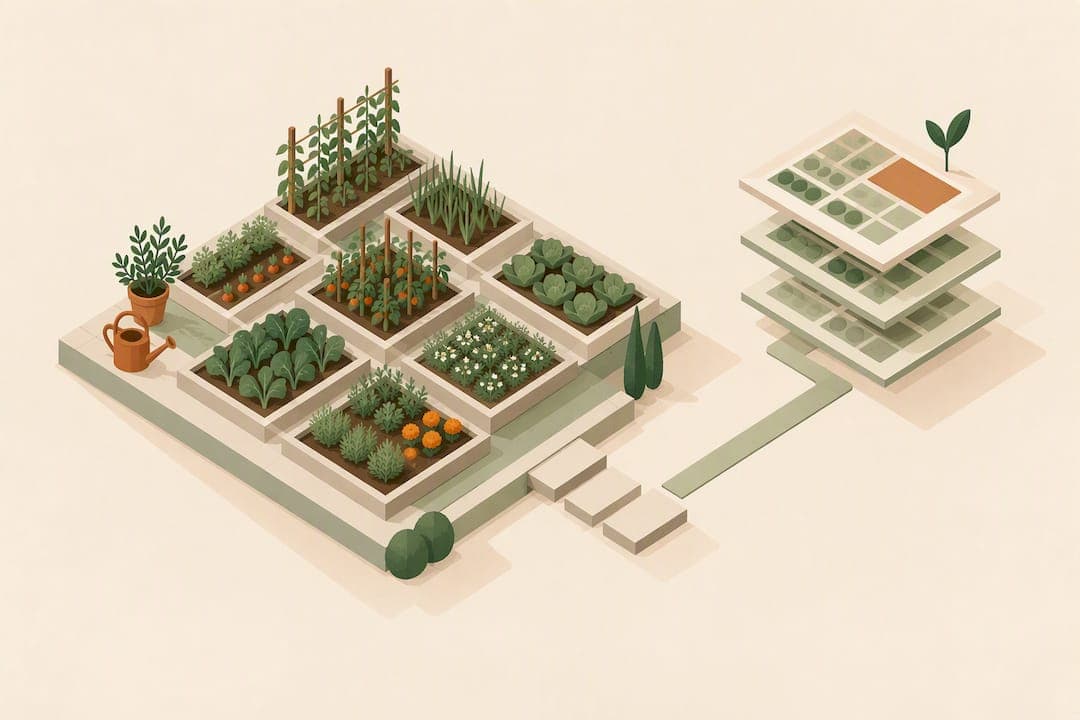
A digital 3D garden journal pairs a 3D planning tool with structured records of plantings, layout changes, tasks, and itemized costs in one living file. The single best way to start is to open one project per garden area and take a timestamped 3D snapshot at every milestone, a workflow built into tools like Veete and informed by research on digital landscape information management.
TL;DR:
- Homeowners can start with the date, bed ID, a description of changes, and a photo; professionals should add suppliers, unit costs, and labor hours for billing and handovers.
- When plant quantities change, update linked costs automatically and add one changelog entry explaining what moved, grew, or was replaced.
- Use weekly notes for observations, monthly logs for completed tasks and disruptions, and seasonal snapshots to preserve the garden’s changing condition over time.
- Record each cost with quantity, unit price, labor hours, supplier, and quote date; use conceptual estimates early and itemized estimates before ordering or comparing bids.
- After each major update, export a PDF plan, shopping list, and CSV cost history, and date each version consistently with its snapshots.
Table of Contents
- Why a data-rich 3D journal beats scattered notes
- Essential fields and templates for each journal entry
- How to structure records inside a 3D planning tool
- Seasonal and monthly calendar integration
- Project logs, itemized costs, and shopping lists
- A practitioner's note on keeping the habit alive
- How Veete turns these habits into a working system
- FAQ
- Sources
Why a data-rich 3D journal beats scattered notes
Keeping plant records, soil notes, and hydrology details tied directly to a 3D model changes how decisions get made. Research on digital landscape information management found that linking vegetation, soil, and hydrological attributes to a 3D model speeds up design iteration and keeps performance data visible long after planting day, which matters when a bed gets redesigned two seasons later and nobody remembers what was there before.
A journal built this way pays off in a few concrete ways:
- Fewer planning errors, because every object carries its own record instead of living in a separate spreadsheet.
- Faster, more accurate budgets, since costs update the moment a design changes.
- Clearer maintenance tracking, with fertilizing and pruning dates attached to the plant itself.
- Smoother handovers, because a contractor or new homeowner inherits one file instead of a folder of disconnected notes.
A large majority of practitioners now rank environmental performance as a top driver for landscape design decisions, according to research on DLIM integration, which means a journal that tracks soil and water data alongside plants is answering the question most garden owners are already asking.
Essential fields and templates for each journal entry
NC State Extension's guidance on garden journaling makes one point clearly: consistency matters more than format. Pick a compact set of fields and use it every time rather than trying to capture everything on day one.
A workable core field set includes:
- Date and project or scene name
- Object ID and bed or location ID
- Taxon or plant name
- Quantity
- Supplier
- Unit cost and labor hours
- Task type (planting, pruning, feeding, replacing)
- Photos or sketches
- Tags for filtering later
Homeowners tend to do well with a quick-entry version: date, bed ID, what changed, and a photo. Professionals usually need the full set, including supplier, unit cost, and labor, since that record doubles as a billing and handover document.
Snapshot and versioning rules keep the history usable: save a new 3D snapshot at every milestone rather than overwriting the last one, and name files with a consistent date-first pattern.

Pro Tip: Name every snapshot "YYYY-MM-DD_bedID_change" so a search for a bed ID instantly surfaces its full timeline.
How to structure records inside a 3D planning tool
A journal only works as a single source of truth when the model and the records move together. A simple four-step workflow keeps them in sync:
- Create a project and lay down a baseline scene for the area you are tracking.
- Add objects (plants, beds, structures) with records linked directly to each one.
- Take a snapshot at every seasonal or milestone change and log what moved, grew, or got replaced.
- Use tags and filters to pull reports, such as every rose in a given bed or every cost line from the spring push.
When an object changes, like swapping ten shrubs for fifteen, quantities and costs should update automatically rather than requiring a manual recalculation, and each edit deserves one line in a changelog noting what changed and why.
For records worth keeping outside the tool, export a PDF plan, a shopping list, and a CSV of cost history after each major update, and version each export with the same date-first naming pattern used for snapshots.
Seasonal and monthly calendar integration
Monthly garden calendars give a journal its rhythm. OSU Extension's monthly calendars lay out recurring chores, soil tests, planting windows, pruning dates, and irrigation checks, that map directly onto a project's task schedule.
A simple cadence keeps the journal useful without becoming a chore itself:
- Weekly: a quick note on what you watered, weeded, or noticed.
- Monthly: log completed maintenance tasks and any deviations from plan, like a frost that delayed planting or a pest outbreak that needed treatment.
- Seasonal: a full 3D snapshot marking the garden's state at the start of each season.
Attaching OSU-style monthly tasks to your project calendar means a missed irrigation check or a skipped pruning window shows up as an open task rather than disappearing into memory, and recording the actual date work happened (not just the planned date) builds a record that gets more useful every year.
Project logs, itemized costs, and shopping lists
A journal earns its keep at budgeting time. Each cost line should capture unit cost, quantity, labor hours, supplier, and the date of the quote, since prices for soil, mulch, and plants shift seasonally and a quote from March rarely holds by June.
Guidance on construction takeoffs points to a useful distinction worth borrowing: a quick conceptual estimate for feasibility, and a detailed itemized estimate once you are ready to order materials or compare contractor bids.
A practical workflow looks like this:
- Pull a shopping list directly from the objects already placed in your model.
- Archive every supplier quote to the project record, with the date attached.
- Review last year's cost history before starting a new project, since last spring's paver price is a better planning baseline than a guess.
Over several seasons, that archive turns into a reference for fair pricing and faster bidding on the next project.
A practitioner's note on keeping the habit alive
The journals that last are the ones built on small, repeatable updates rather than ambitious ones. A weekly note takes thirty seconds. A monthly log takes five minutes. A seasonal snapshot takes longer, but it is the one that pays off when you are trying to remember what a bed looked like two years ago.
Start with a handful of fields: date, bed ID, and a photo. Add supplier and cost fields once the habit sticks. A journal with three fields used every week beats a twelve-field template abandoned after a month.
— Rokas
How Veete turns these habits into a working system
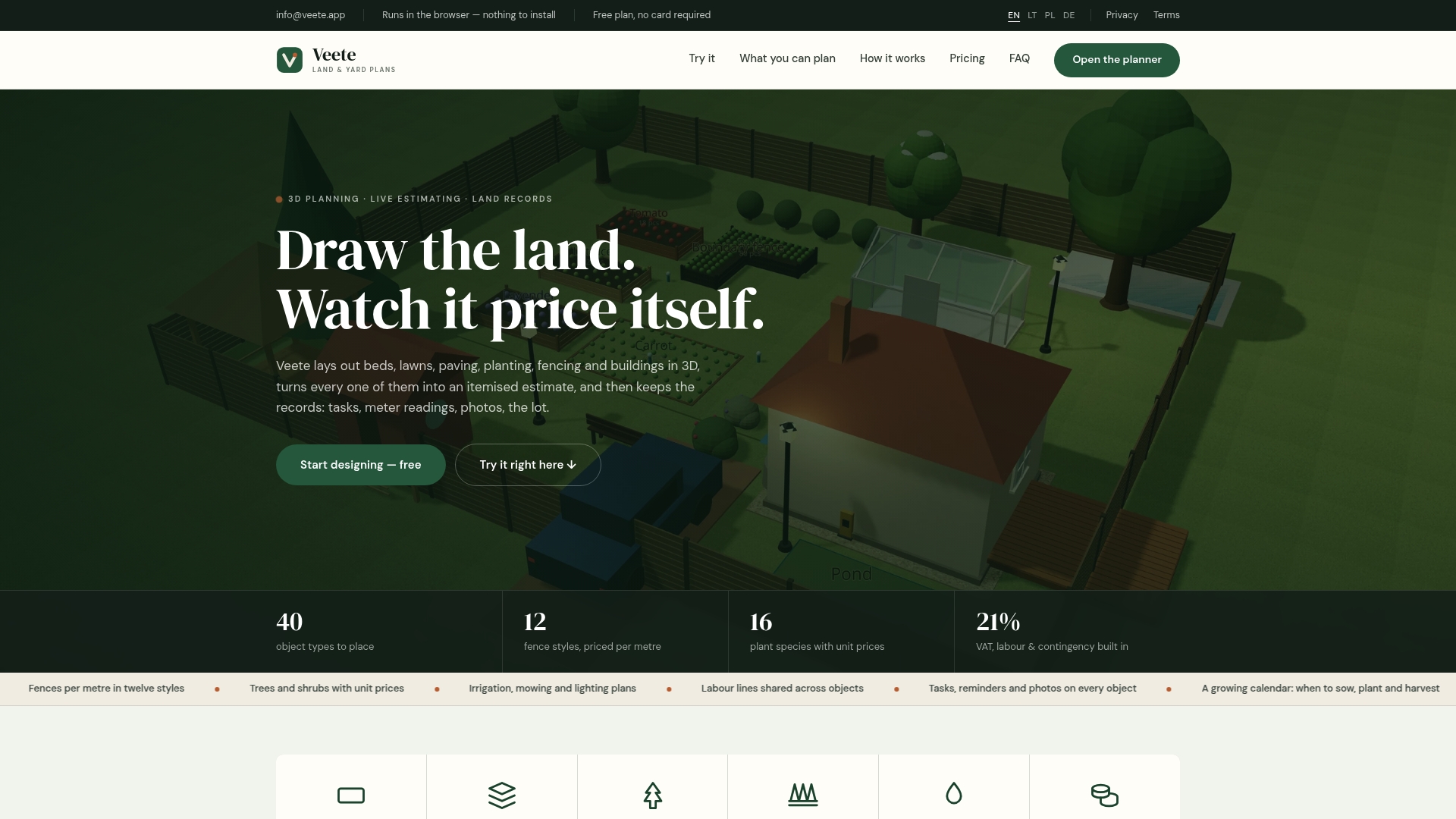
Everything above gets easier when the journal and the 3D model are the same file. We built Veete so every bed, plant, and structure you place carries its own record, with pricing linked directly to the object instead of sitting in a separate spreadsheet.
That means:
- A 3D layout for beds, lawns, paving, and structures that doubles as your project snapshot.
- Live, itemized pricing that updates automatically when you change a design, no manual recalculation.
- Exportable plans, shopping lists, and cost history ready to hand off to a client or keep for next season.
We offer a free plan so you can start one project file today and see whether the workflow fits before upgrading. Check our pricing page for the Home and Pro tiers when you are ready for multiple projects and full export features.
FAQ
What should a digital garden journal track?
A useful digital garden journal tracks plant records, layout snapshots, maintenance tasks, and itemized project costs in one file. Linking these to a 3D model, as described in research on digital landscape information management, keeps vegetation, soil, and cost data connected instead of scattered across separate files.
How often should I update my garden journal?
A weekly quick note, a monthly maintenance log, and a seasonal 3D snapshot cover most needs without becoming a burden. NC State Extension emphasizes picking a consistent routine over chasing a perfect format.
How do I turn a 3D garden plan into a shopping list?
Pull quantities directly from the objects already placed in your model, since each bed, plant, and structure carries its own unit cost and quantity. Archiving the supplier quote and date with each line, a practice drawn from construction takeoff guidance, makes future re-quoting faster.
Does Veete offer a free way to start a garden journal?
Yes, Veete's Free plan requires no card and lets you start one project with a 3D layout and basic record-keeping. Paid tiers add multiple projects and full export features; current prices are available on our pricing page.
Can I share a garden journal with family or other gardeners?
Yes, a project-based 3D journal can be shared so others can view layouts, tasks, and records for the same garden area. This keeps everyone working from one updated file instead of comparing separate notes or photos.
Sources
- Digital Landscape Information Management (DLIM): Integrating BIM and nature-based solutions
- Appendix A. Garden Journaling | NC State Extension Publications
- Monthly Garden Calendars | OSU Extension Service
- Construction takeoffs: a complete how-to guide